You’re ten minutes into a game and suddenly your controller feels slippery, your mouse hand is clammy, and you’re wiping your palms on your pants between rounds.
Meanwhile, you’re sitting perfectly still.
So why are your hands sweating?
Sweaty hands while gaming can happen for several reasons, from a warm setup to the excitement and stress that come with competitive play. And for some people, excessive palm sweating can happen even when they aren’t particularly hot.
The good news: you can make a few simple adjustments that make sweaty hands much less annoying during a gaming session.
Why Do Your Hands Sweat While Gaming?
Sweating isn’t limited to exercise.
Your nervous system controls sweating, and things like heat and emotional stress can trigger it. That means an intense match can create a very real physical response even though the most strenuous thing your hands are doing is holding a controller.
The American Academy of Dermatology lists hot weather, high humidity, anxiety or nervousness, physical activity, and caffeine among common sweating triggers.
Gaming can potentially bring several of those together.
Maybe your room is warm because your PC has been running for hours. Maybe you’re drinking coffee or an energy drink. Or maybe you’ve reached the final round and your brain has decided this is apparently a life-or-death situation.
Your sweat glands did not receive the memo that it’s only a game.
Some People Naturally Sweat More From Their Palms
Occasional clammy hands don’t automatically mean something is wrong.
But if your palms sweat heavily and frequently, including when you aren’t hot, it could be a form of excessive sweating called palmar hyperhidrosis.
The American Academy of Dermatology explains that primary focal hyperhidrosis commonly affects areas such as the palms. It can interfere with everyday activities including using computers and even controlling video game controllers.
If that sounds familiar well beyond gaming, it may be worth discussing with a dermatologist.
For everyone else who mainly wants to stop turning their controller into a slip-and-slide, start with the practical stuff.
Keep Something Absorbent Beside Your Setup
If you already know your hands get sweaty while gaming, don't wait until your palms are soaked.
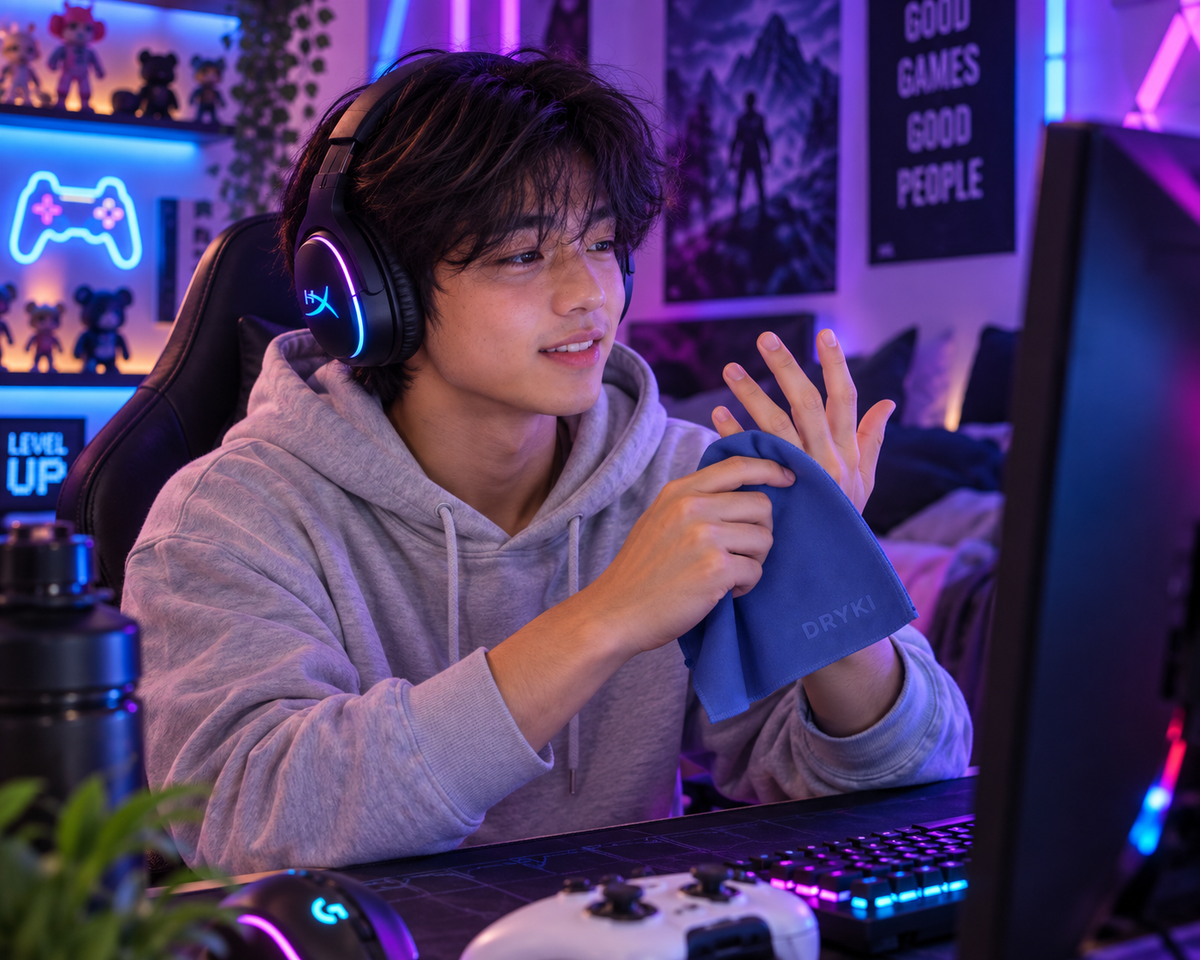
Keep a small absorbent towel within arm’s reach and blot your hands between matches, loading screens, or whenever you get a natural break.
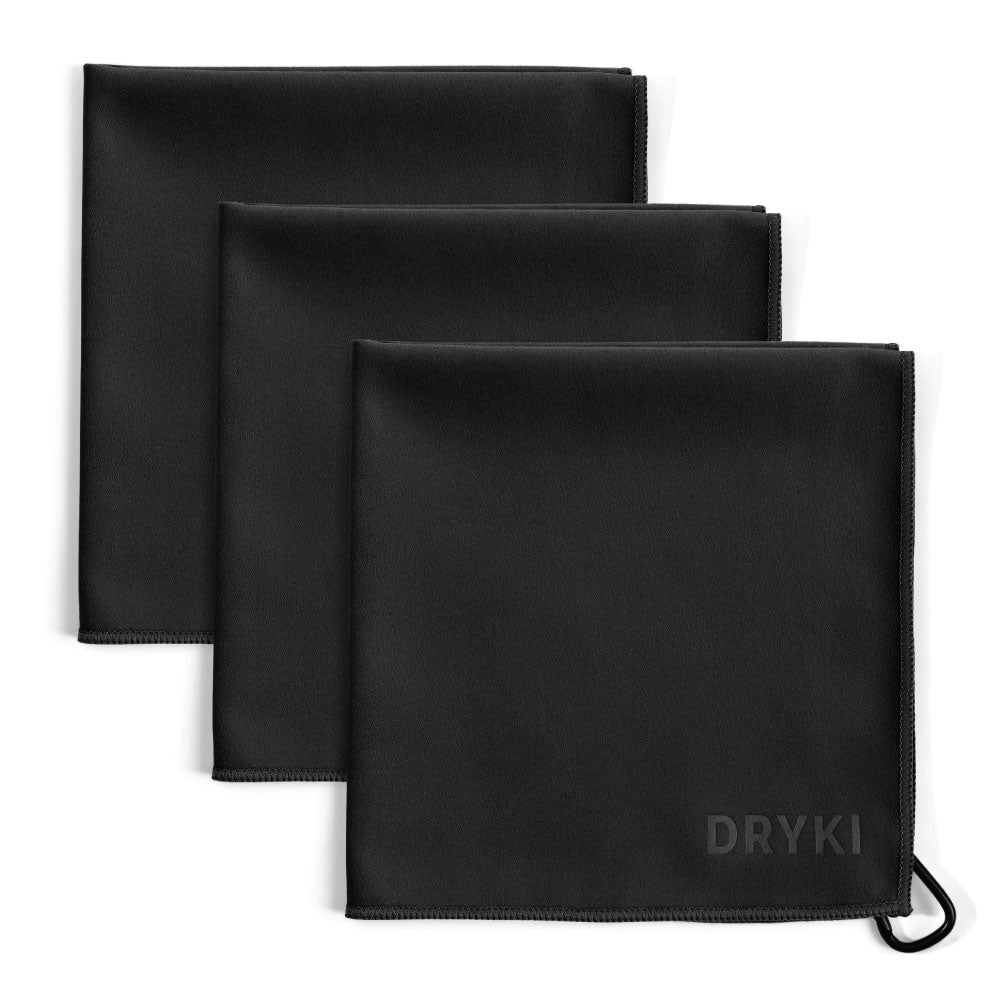
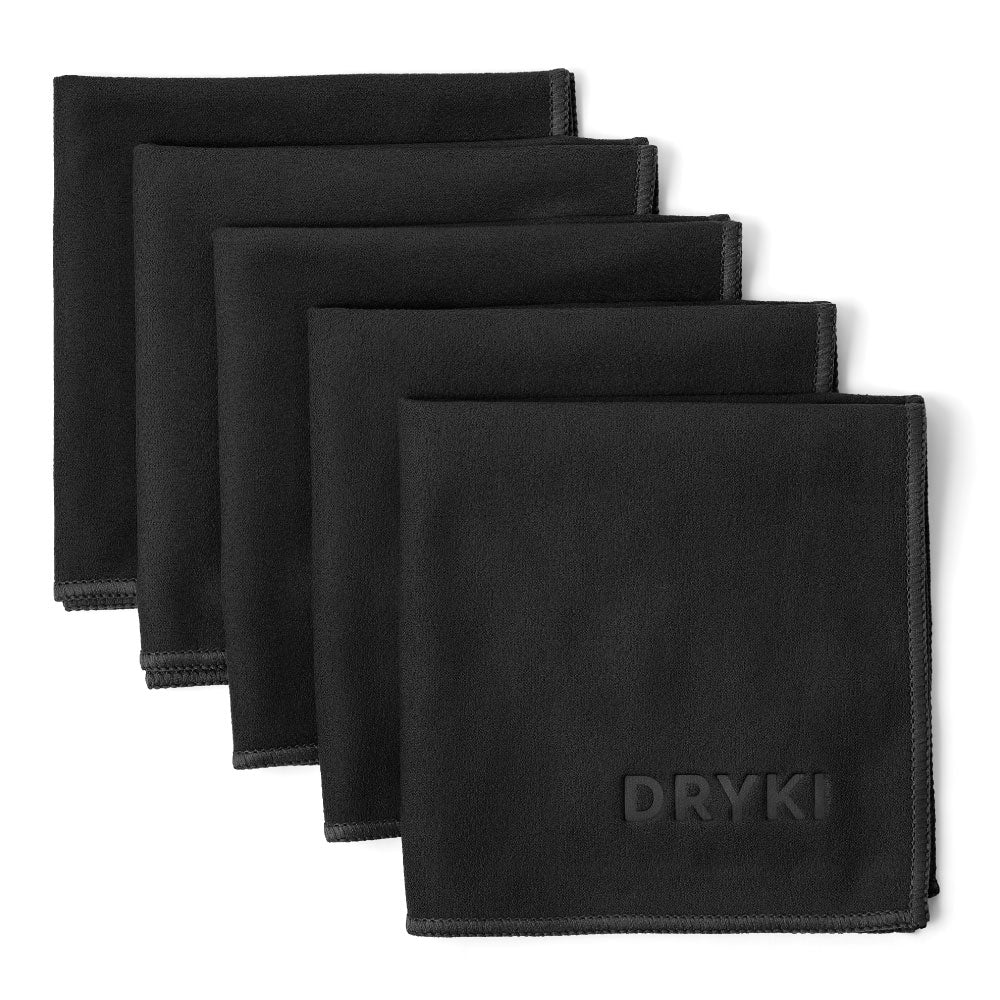
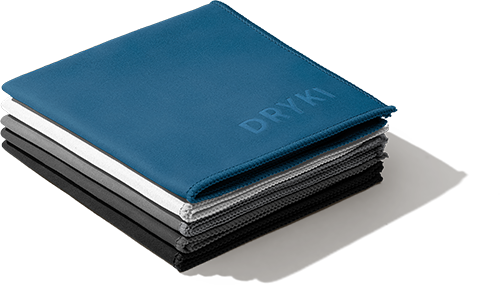
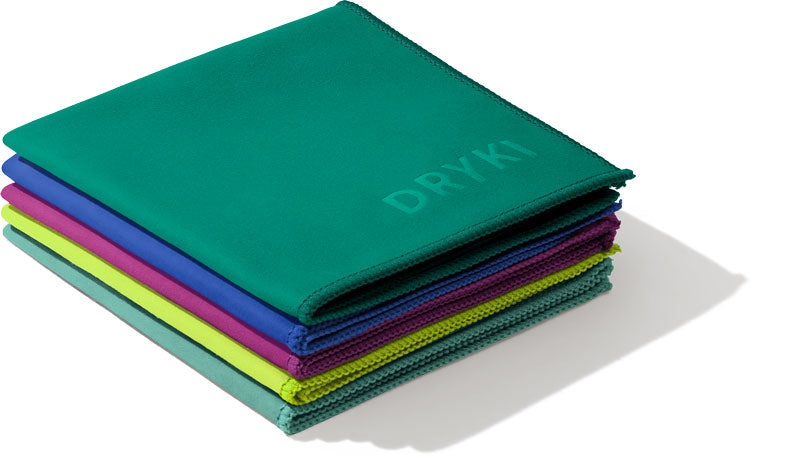
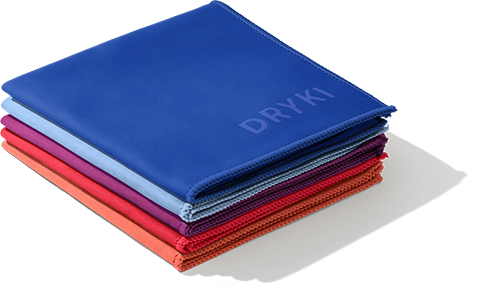
For this exact problem, DRYKI makes pocket-sized sweat-absorbing handkerchiefs. At 10 × 10 inches, one is small enough to live beside a keyboard, controller dock, or mouse pad without taking over the desk.
It also saves you from the classic alternative: wiping your hands on your shorts and pretending that was always the plan.
If your forehead or face gets sweaty during longer sessions too, you can use the towel to blot that sweat before it starts becoming another distraction.
Look at the Temperature Around Your Setup
Your gaming setup itself may be contributing to the problem.
A PC, monitor, console, lighting, closed door, and several hours of gaming can make a room feel warmer than you realized.
If your hands tend to get sweatier as a session continues, pay attention to the room rather than just your palms.
When appropriate, improve ventilation, use air conditioning, or reposition yourself away from direct sunlight or other sources of heat.
You might also notice that your mouse hand gets particularly warm because it stays planted in essentially the same position for long periods.
Give it a break occasionally.
Take Your Hands Off the Controls Between Rounds
Competitive games don't always give you much downtime, but use the pauses you do get.
Instead of keeping your hands wrapped around the controller during a loading screen, put it down for a moment. Relax your hands, let some air reach your palms, and blot away moisture if needed.
For mouse-and-keyboard players, the same idea applies between matches.
Thirty seconds without gripping anything may not sound revolutionary, but neither is wiping your hands on your pants every four minutes.
Keep Your Controller, Mouse, and Desk Clean
Sweat doesn't just affect your hands. It ends up on whatever you're touching.
Regularly cleaning the surfaces you use most can keep your setup more comfortable and prevent the combination of sweat, skin oils, dust, and snack residue from building up.
Follow the cleaning instructions provided by the manufacturer of your specific mouse, keyboard, or controller, since electronics and cleaning liquids are not always friends.
And if your hands are visibly wet, dry them before returning to the controls rather than using the controller as the drying surface.
Keeping a DRYKI sweat handkerchief next to your setup makes that much easier to do without interrupting the game for long.
Pay Attention to Your Grip
When a controller or mouse starts feeling slippery, the instinct can be to grip it harder.
That can make an already uncomfortable gaming session feel even more tense.
Instead, use a natural pause to dry your hands and controls, reset your grip, and start again.
If grip is a persistent issue, you can also look at accessories designed specifically for your device, such as textured controller grips or grip tape. Just make sure anything you add doesn't interfere with buttons, sensors, ventilation, or the manufacturer's recommendations.
The goal isn't to turn your controller into a craft project. It's to make it easier to hold comfortably.
Notice Whether Certain Games Make It Worse
Here's a useful experiment: pay attention to when your hands actually start sweating.
Does it happen equally while playing a relaxed single-player game and during a ranked competitive match?
Or does it suddenly get worse when:
- You’re playing competitively
- The score is close
- You’re streaming
- Other people are watching
- You’re trying to beat a difficult boss
- You’ve been playing for several hours
If sweaty palms appear mainly during high-pressure moments, nerves or excitement may be part of your personal trigger pattern.
Knowing that won't magically switch your sweat glands off, but it can help you prepare for it instead of wondering why your hands suddenly betrayed you during the most important round.
Consider What You’re Drinking
Gaming and caffeine have a long-standing relationship.
Unfortunately, caffeine can also trigger increased sweating for some people.
You don't necessarily have to abandon your coffee because your palms get clammy. But if you regularly have an energy drink or several coffees while gaming, try paying attention to whether your sweating changes on days when you consume less.
Think of it as troubleshooting.
Your gaming PC isn't the only thing with variables.
Create a Tiny “Sweaty Gamer” Setup
If sweaty hands are predictable for you, make the solution predictable too.
You really only need a few things:
- A small absorbent towel
- Water
- A comfortable room temperature
- Whatever manufacturer-approved supplies you use to clean your equipment
Keep them where you actually game.
A simple solution for managing sweat isn't particularly useful if it's in a bathroom drawer while you're in the middle of a match.
When Are Sweaty Gaming Hands Worth Talking to a Doctor About?
There's a difference between your palms getting clammy during an intense game and sweating so heavily that it regularly interferes with daily life.
Hyperhidrosis is a treatable medical condition that causes excessive sweating beyond what the body needs for cooling. The palms are one of the areas commonly affected.
If your hands sweat excessively when you're not gaming too, especially when you're sitting somewhere cool or doing ordinary tasks, consider speaking with a healthcare professional or dermatologist.
The American Academy of Dermatology has more information on hyperhidrosis and its causes, including when excessive sweating may be related to another condition or medication.
Don't Let Sweaty Hands Become Part of the Game
A little sweat doesn't have to ruin a gaming session.
Start with your environment. Keep your setup comfortable, take advantage of breaks, pay attention to your personal triggers, and dry your hands before the moisture starts interfering with your grip.
Keeping a DRYKI pocket-sized sweat towel beside your controller or keyboard is one particularly simple addition.
Because the challenge should be what's happening on the screen.
Not trying to keep the controller in your hands.
Blog posts

Sweaty Hands While Playing an Instrument? Here’s What Musicians Can Do

Why Do Some People Sweat More Than Others?

8 Back-to-School Backpack Essentials for Active Kids
 DRIES FAST. NEVER SMELLS.
 ABSORBS SWEAT AND TEARS.
 FITS IN YOUR POCKET.
Product list