You're two hours into a livestream.
The game is getting intense, your headset feels warmer by the minute, and the lighting that looked perfect when you started now feels like a personal heat lamp.
Meanwhile, your hands are sweaty, your mouse feels slippery, and you're trying to maintain a perfectly normal conversation with your viewers.
Streaming might involve sitting at a desk, but that doesn't mean it's always comfortable.
Between warm equipment, long sessions, gaming pressure, and the occasional stressful moment in front of an audience, things can get surprisingly sweaty.
The good news? You don't need an entirely new streaming setup to make things more comfortable.
Here are some practical gear upgrades worth considering.
1. A Quiet Desk Fan for Better Airflow
A small desk fan is one of the simplest additions to a warm streaming setup.
It can help improve your personal comfort without requiring you to turn your entire room into a refrigerator.
Look for a compact model with adjustable speeds, a stable base, and quiet operation so it doesn't become the loudest member of your stream.
An adjustable fan is particularly useful because you can direct airflow toward yourself without blowing papers around your desk.
Streaming tip: Test the fan with your microphone before going live. Some fans are quiet to your ears but surprisingly noticeable in recordings.
A good place to start is the range of personal fans from Honeywell, which includes options for desks and smaller spaces.
2. A Pocket-Sized Sweat Towel
Sweaty hands can make gaming equipment uncomfortable to use.
They can leave your mouse feeling slippery, make your controller harder to grip comfortably, and leave moisture on your desk.
And when your forehead starts sweating under the lights, wiping your face with your sleeve isn't exactly ideal.
This is where a small personal sweat towel earns its place in a streaming setup.
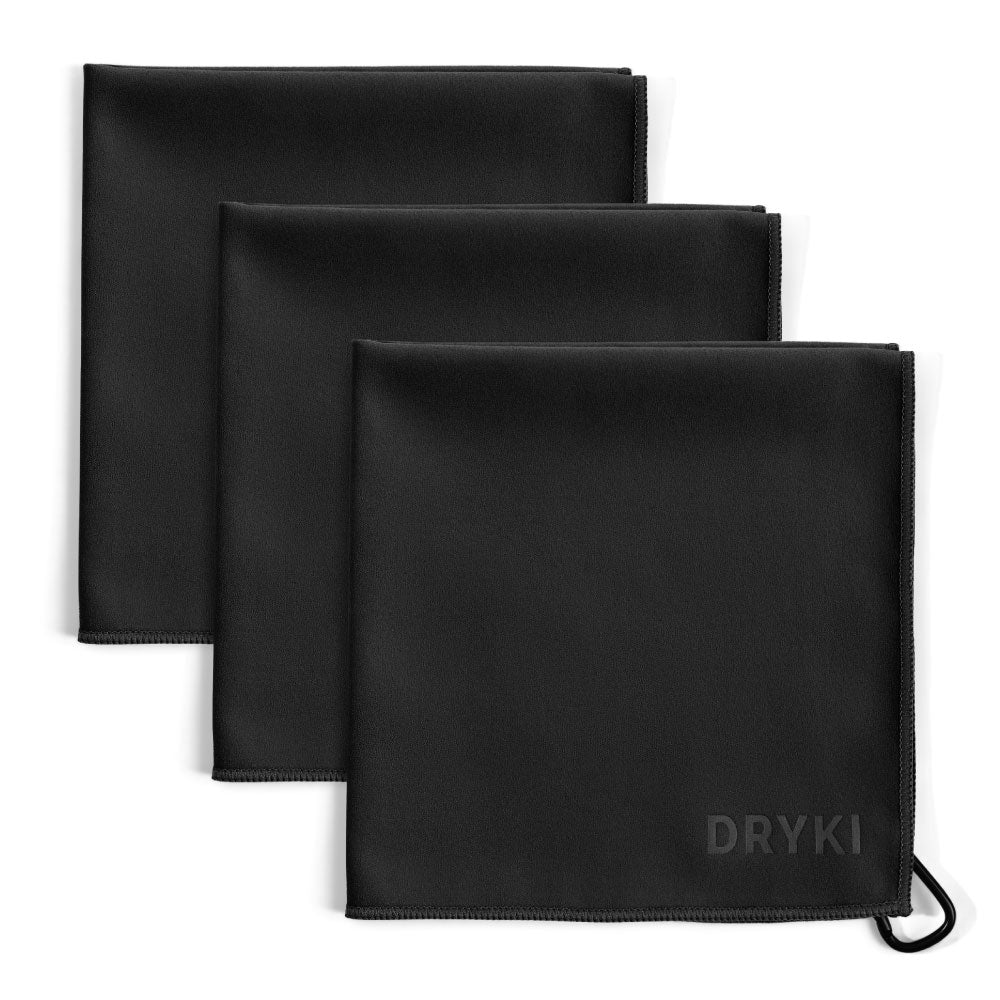
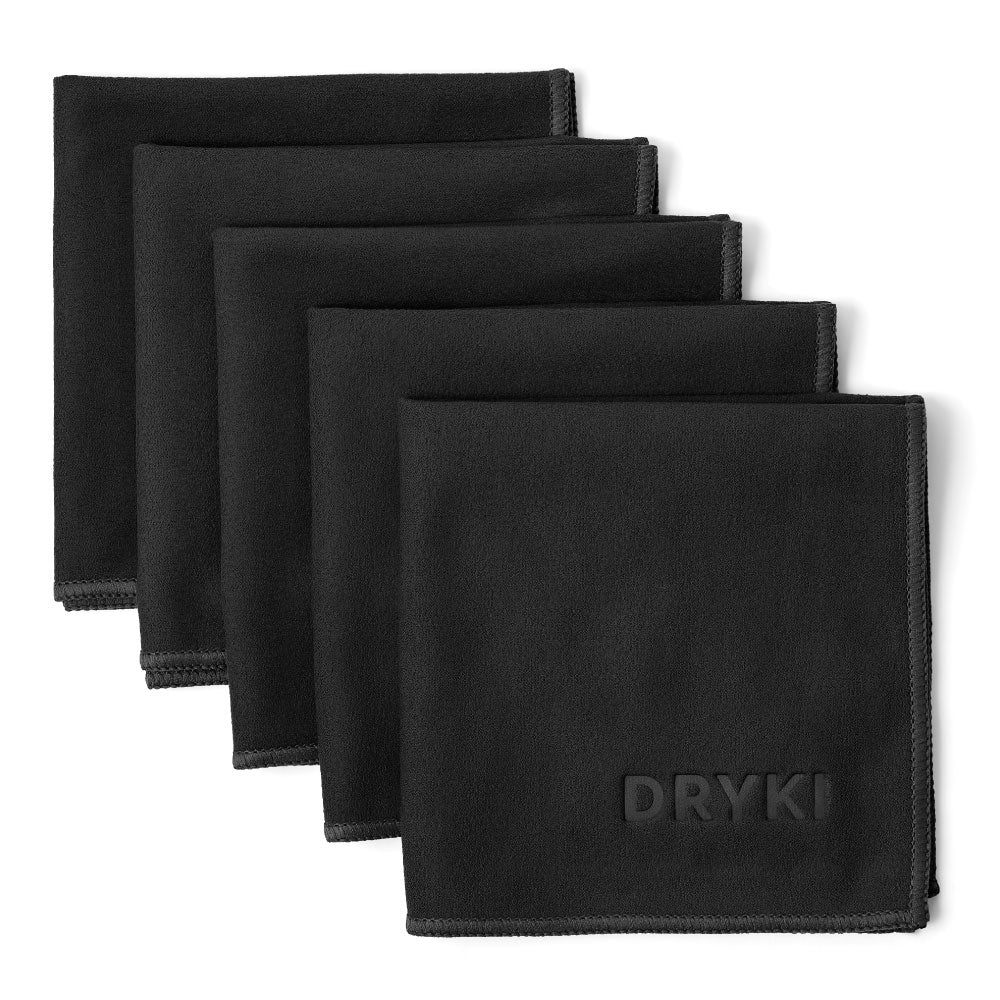
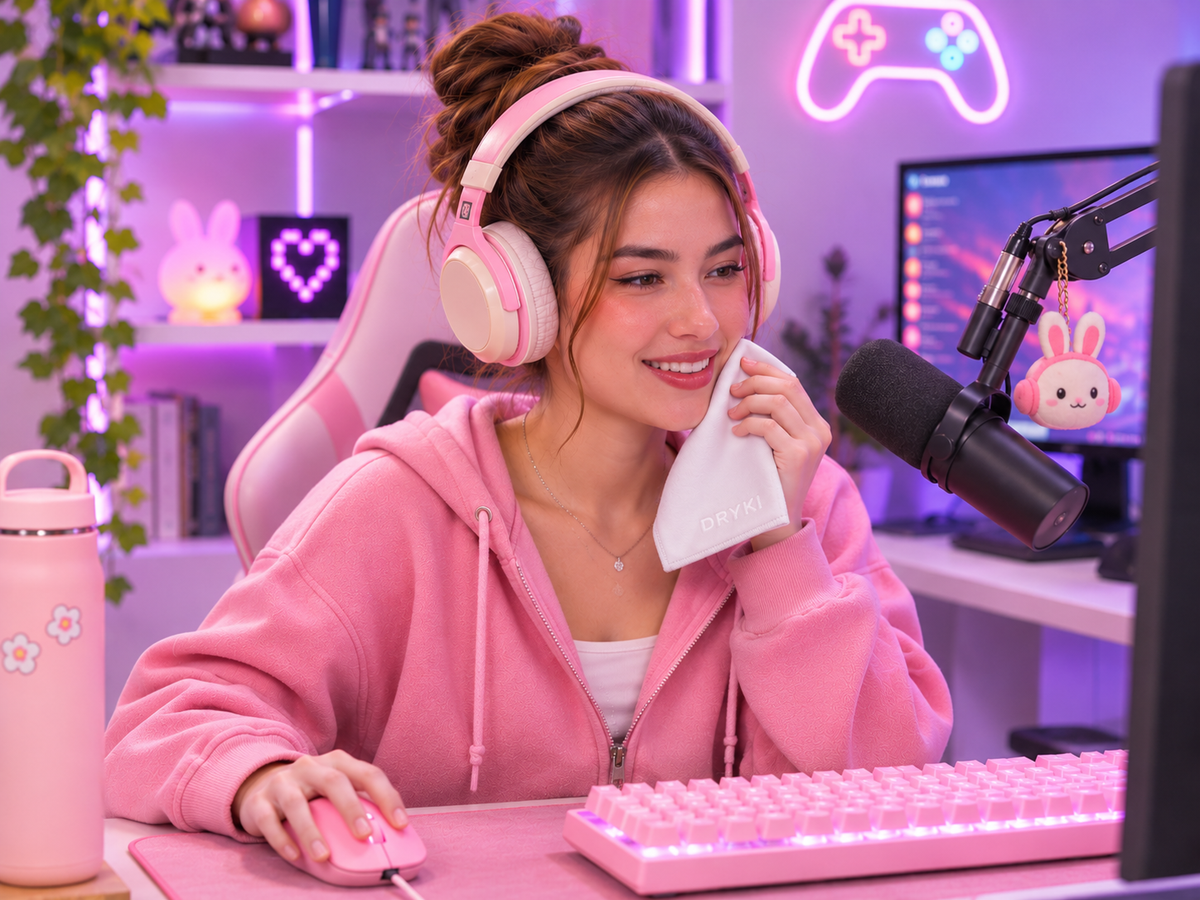
DRYKI's pocket-sized sweat-absorbing handkerchiefs measure 10 × 10 inches and are designed to absorb sweat without taking up much space.
Keep one beside your keyboard or within reach of your controller.
You can quickly blot your hands, forehead, or neck between matches, during loading screens, or whenever you take a short break.
Unlike a large gym towel, it won't take over half your desk.
And unlike your favorite gaming shirt, it's actually meant to handle sweat.
3. A Breathable Gaming or Office Chair
A comfortable chair matters during long streaming sessions.
But comfort isn't just about cushioning.
Some heavily padded chairs can feel warm after extended periods of sitting, particularly in rooms that already have poor airflow.
If you're shopping for a chair, consider models with breathable mesh backs or other materials that suit your room temperature and personal preferences.
Adjustability is also important. Look for appropriate back support, seat-height adjustment, and armrests that allow you to sit comfortably at your desk.
You don't necessarily need a chair marketed specifically for gaming.
A well-designed ergonomic office chair can work just as well.
For examples of mesh seating and adjustable office furniture, browse Herman Miller's office chairs.
The best chair is one that fits your body and setup, not simply the one with the most dramatic racing-inspired design.
4. A Comfortable, Breathable Headset
A headset can make a noticeable difference in how warm you feel during a long session.
Large earcups, thick padding, and a snug fit may become uncomfortable after several hours.
If you tend to sweat around your ears or head, consider the headset's weight, padding, fit, and ventilation before buying.
Some models have replaceable ear cushions, which can make cleaning and maintenance easier.
You might also prefer a lightweight headset over a bulkier model.
Browse options from SteelSeries or other established gaming-audio manufacturers, paying particular attention to comfort features rather than appearance alone.
And remember: if your headset is making you uncomfortable, taking it off for a few minutes between sessions is a perfectly reasonable solution.
5. A Mouse or Controller That Feels Secure in Your Hands
If your palms sweat during competitive games, your input devices matter.
A mouse with a comfortable shape and secure grip may be easier to control than one with a slippery surface.
Similarly, a controller with textured grips may feel more stable in your hands.
Before purchasing new equipment, consider whether your existing mouse or controller can be improved with compatible grip accessories.
You may not need a complete replacement.
For mouse options, Logitech G offers gaming peripherals in different sizes and shapes.
The important thing is choosing equipment that feels comfortable in your hands during actual use.
Small but useful habit: Keep your hands dry and your equipment clean according to the manufacturer's instructions. Avoid applying moisture or cleaning products directly to electronic controls.
6. Adjustable Lighting That Doesn't Overheat Your Setup
Lighting makes a big difference in how your stream looks.
But it shouldn't make your room uncomfortable.
If you're using several bright lights close to your face, consider whether you actually need all of them.
Modern LED lighting can offer flexible brightness and color-temperature controls while generally producing less waste heat than older incandescent lighting.
Adjustable lights also make it easier to achieve a flattering setup without relying on maximum brightness.
Brands such as Elgato offer lighting equipment designed for creators and streamers.
Try positioning lights thoughtfully rather than placing everything as close to your face as possible.
And if your room is already warm, consider whether reducing unnecessary lighting equipment might make your setup more comfortable.
7. A Water Bottle That Stays Within Reach
Streaming can make it surprisingly easy to forget basic things.
Like drinking water.
Especially when you're managing chat, gameplay, audio, and whatever technical issue has decided to appear five minutes after going live.
Keep a reusable water bottle nearby.
A bottle with a secure lid is particularly useful around expensive electronics.
Choose a size that works for your session length, and place it somewhere that won't put your keyboard or computer at risk if it tips over.
Brands such as Hydro Flask offer reusable insulated bottles that can help keep drinks cool.
Hydration won't automatically prevent sweaty hands or excessive perspiration, but it remains important during long sessions.
8. A Desk Setup That Allows Air to Circulate
Sometimes the problem isn't one particular piece of gear.
It's the entire room.
A computer, multiple monitors, lighting equipment, and poor ventilation can make a small streaming space feel warmer.
Make sure your computer has adequate ventilation and that its air vents aren't blocked.
Avoid placing heat-producing equipment where it unnecessarily warms your seating area.
If possible, arrange your desk to allow comfortable airflow around you.
The Occupational Safety and Health Administration's workstation guidance emphasizes the importance of appropriate air circulation, comfortable temperatures, and lighting that doesn't create excessive glare.
You don't need to build a complicated cooling system.
Sometimes moving a few things around makes a noticeable difference.
9. A Small Streaming Essentials Kit
Once you've figured out which items actually help you, keep them together.
A practical streaming kit might include:
-
A pocket-sized sweat towel
-
A reusable water bottle
-
A microfiber cloth specifically for cleaning screens
-
A small desk fan
-
A spare pair of headset cushions, if compatible
-
A few basic cable organizers
-
Any personal grooming items you use before going live
Keep your personal sweat towel separate from the cloth you use to clean electronics.
A DRYKI sweat towel can stay beside your setup for quick hand and face refreshes, while a dedicated electronics cloth handles your screens and equipment.
That way, everything has its own job.
10. Don't Forget to Take Breaks
Even the best gear can't make sitting in one position indefinitely a great idea.
During longer streams, take opportunities to stand up, stretch, adjust your seating position, drink water, and cool down.
You can schedule short breaks between games, during transitions, or whenever your streaming format allows.
If your room feels too warm, use that time to adjust your fan or ventilation.
A few minutes away from the desk can help you return feeling more comfortable and focused.
What If Your Hands Sweat Even When the Room Is Cool?
Not all sweaty hands are caused by a warm streaming setup.
Some people experience heavy palm sweating even in cool environments or during relatively low-intensity activities.
This can sometimes be associated with hyperhidrosis, a condition involving excessive sweating.
If sweaty hands regularly interfere with using a mouse, controller, or other equipment, consider speaking with a dermatologist.
You can also read more about excessive sweating and available treatments through the American Academy of Dermatology.
Build a Setup That Works for You
A great streaming setup isn't necessarily the most expensive one.
It's the one that helps you feel comfortable, stay focused, and enjoy what you're doing.
For some streamers, that might mean upgrading to a breathable chair or lighter headset.
For others, it could be something as simple as adding a quiet desk fan, keeping water nearby, or having a better way to handle sweat between matches.
Start with the problems you actually experience rather than buying every accessory marketed to gamers.
Because your viewers came for the stream.
Not to watch you spend the entire session fighting your headset, wiping your palms on your pants, and wondering why your room suddenly feels like a sauna.
Blog posts

How to Hide Underarm Sweat Without Changing Your Entire Wardrobe
You don't need a new wardrobe to deal with underarm sweat. Learn how to make sweat marks less noticeable with smarter clothing choices and everyday solutions.
The Best Gear for Sweat-Free Streaming Sessions
Long streaming sessions can get surprisingly sweaty. Discover practical gear upgrades for keeping your hands dry, your setup comfortable, and your stream running smoothly.

How to Arrive at Work Looking Fresh After a Sweaty Commute
Cold outside, overheated on the train? Here are practical ways to manage winter layers, commute sweat, and arrive at work feeling fresh.
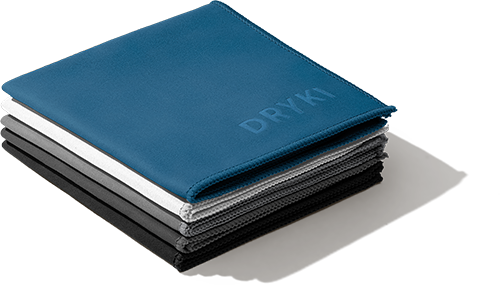 DRIES FAST. NEVER SMELLS.
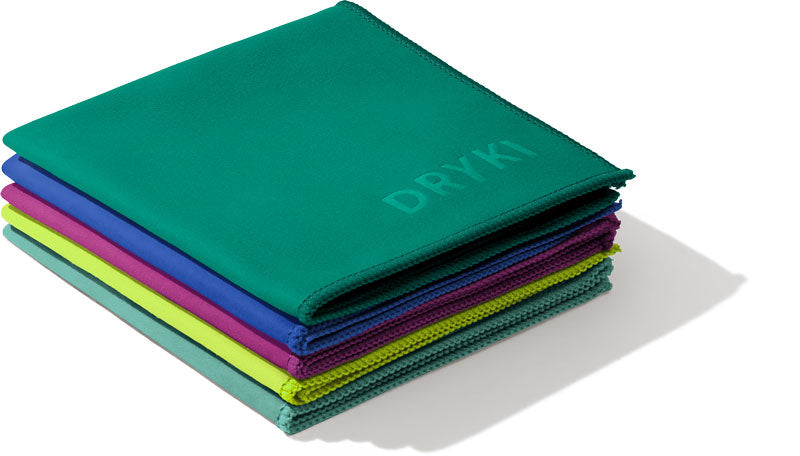 ABSORBS SWEAT AND TEARS.
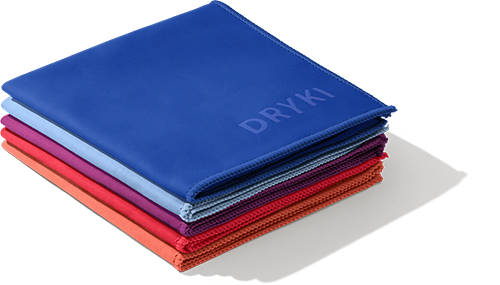 FITS IN YOUR POCKET.
Product list